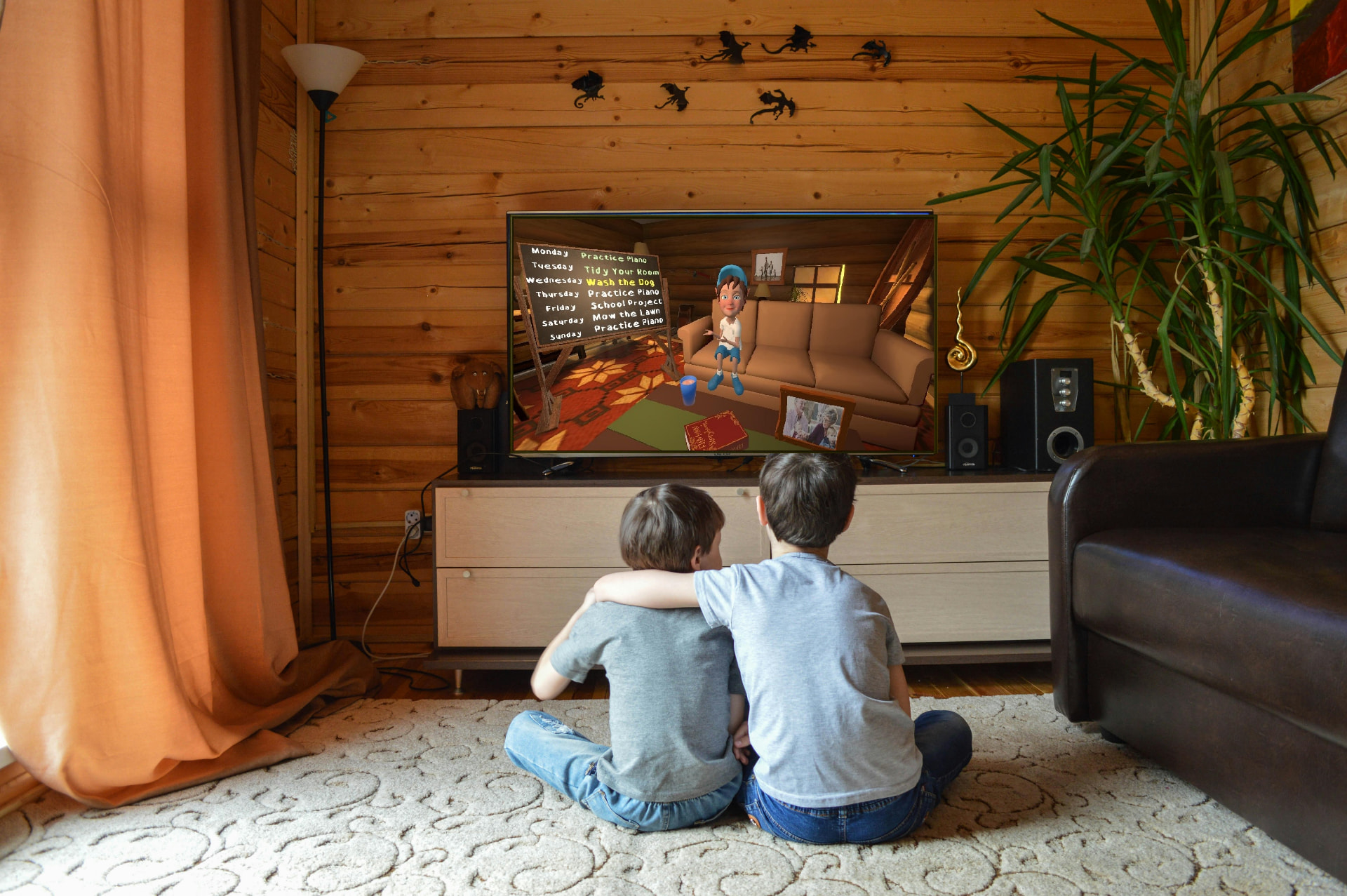
No headsets required. Watch together live on the big screen, or cuddle up with your phone or tablet.
01
Choose tonight's tale
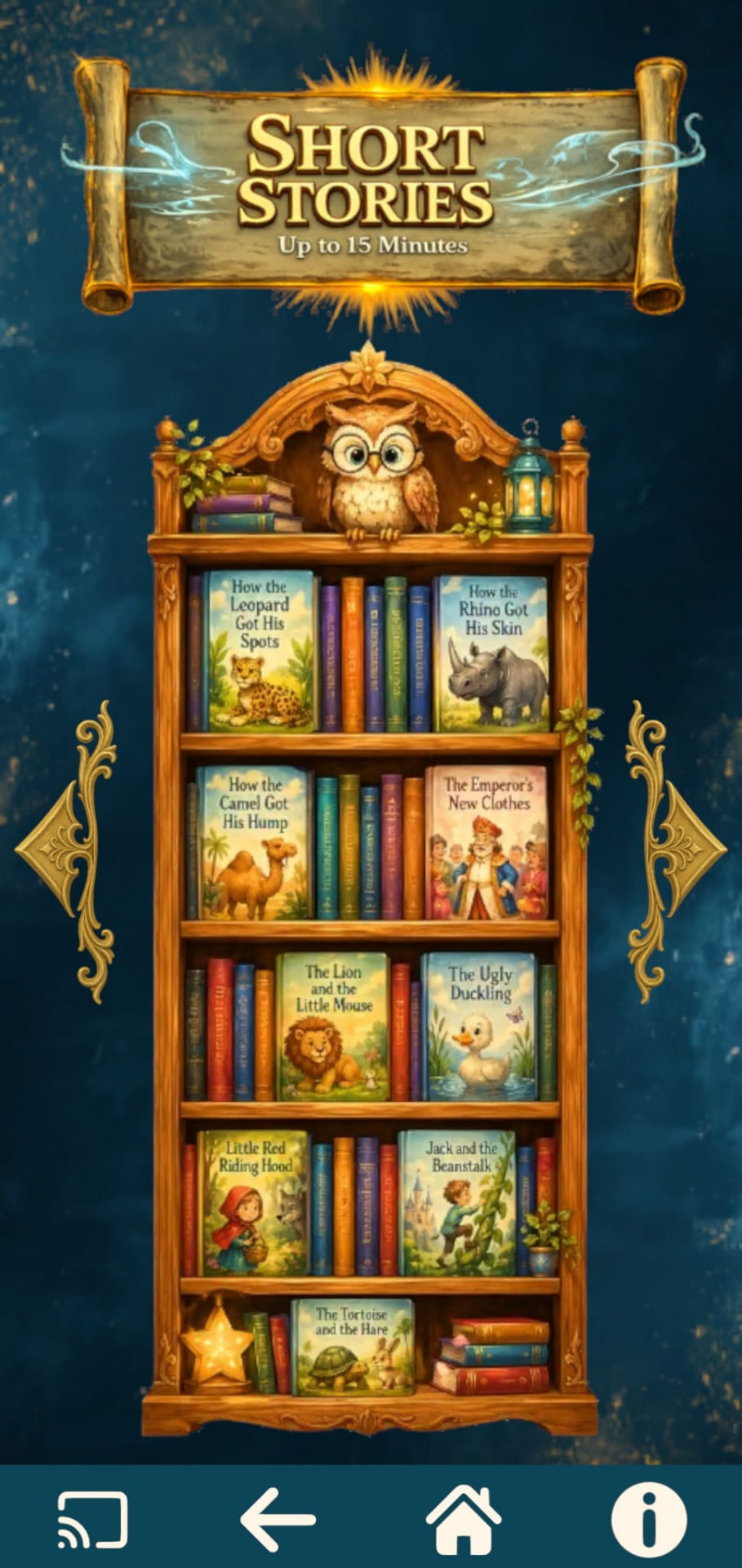
Pick a story from Chuck's bookcase, then tap Screen Mirror — on Android, Google Home opens right away; on iPhone or iPad, a short on-screen demo shows you the way. Or simply tap Play to enjoy right on your phone or tablet without a TV.
02
From Chuck's cottage to your living room
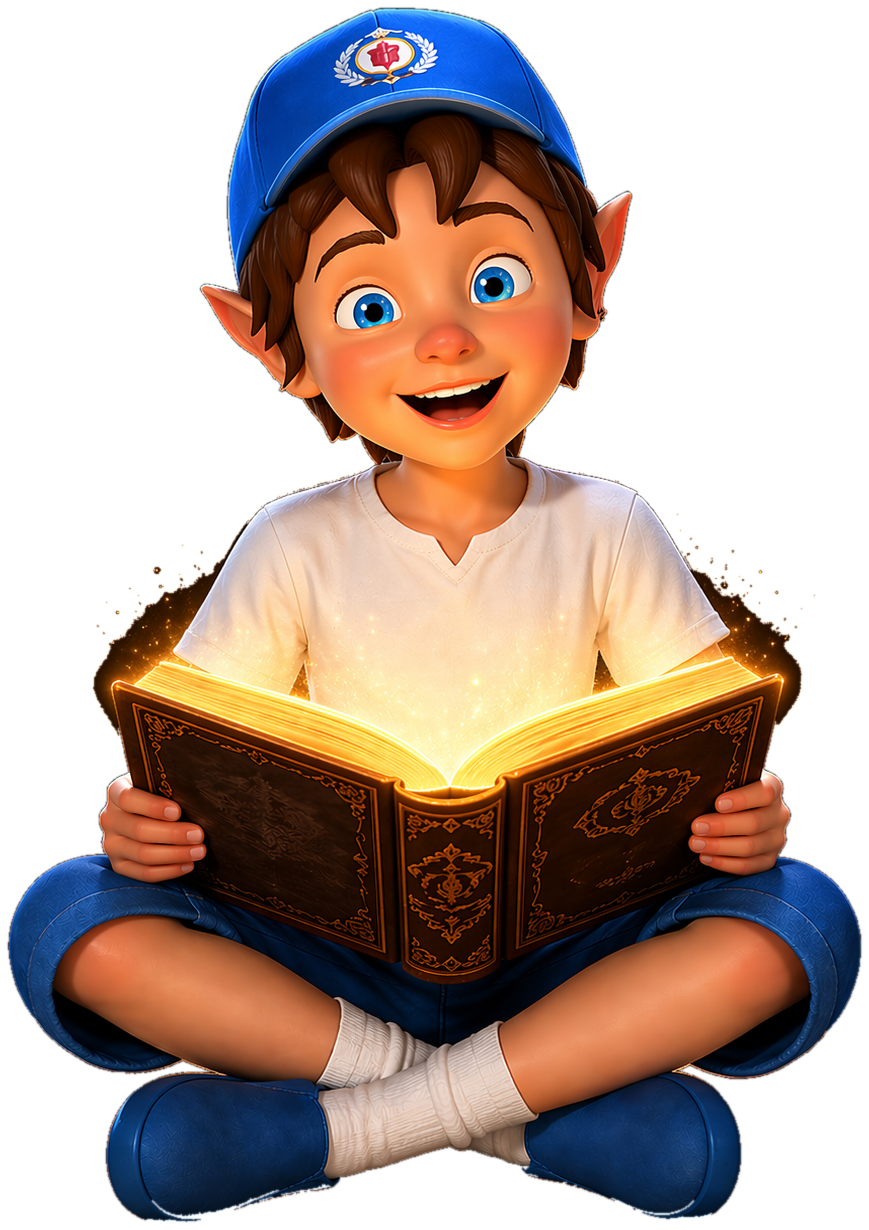
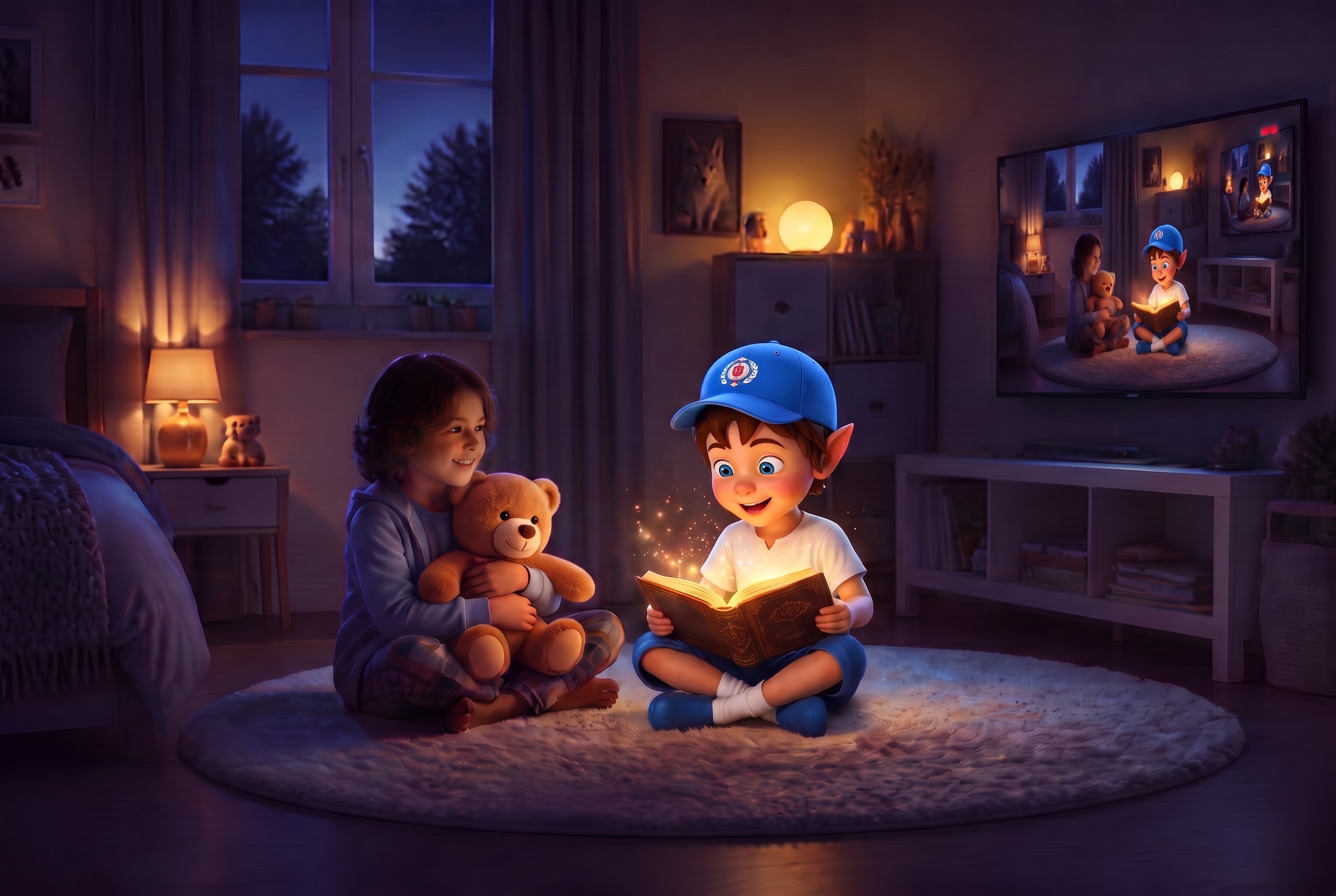
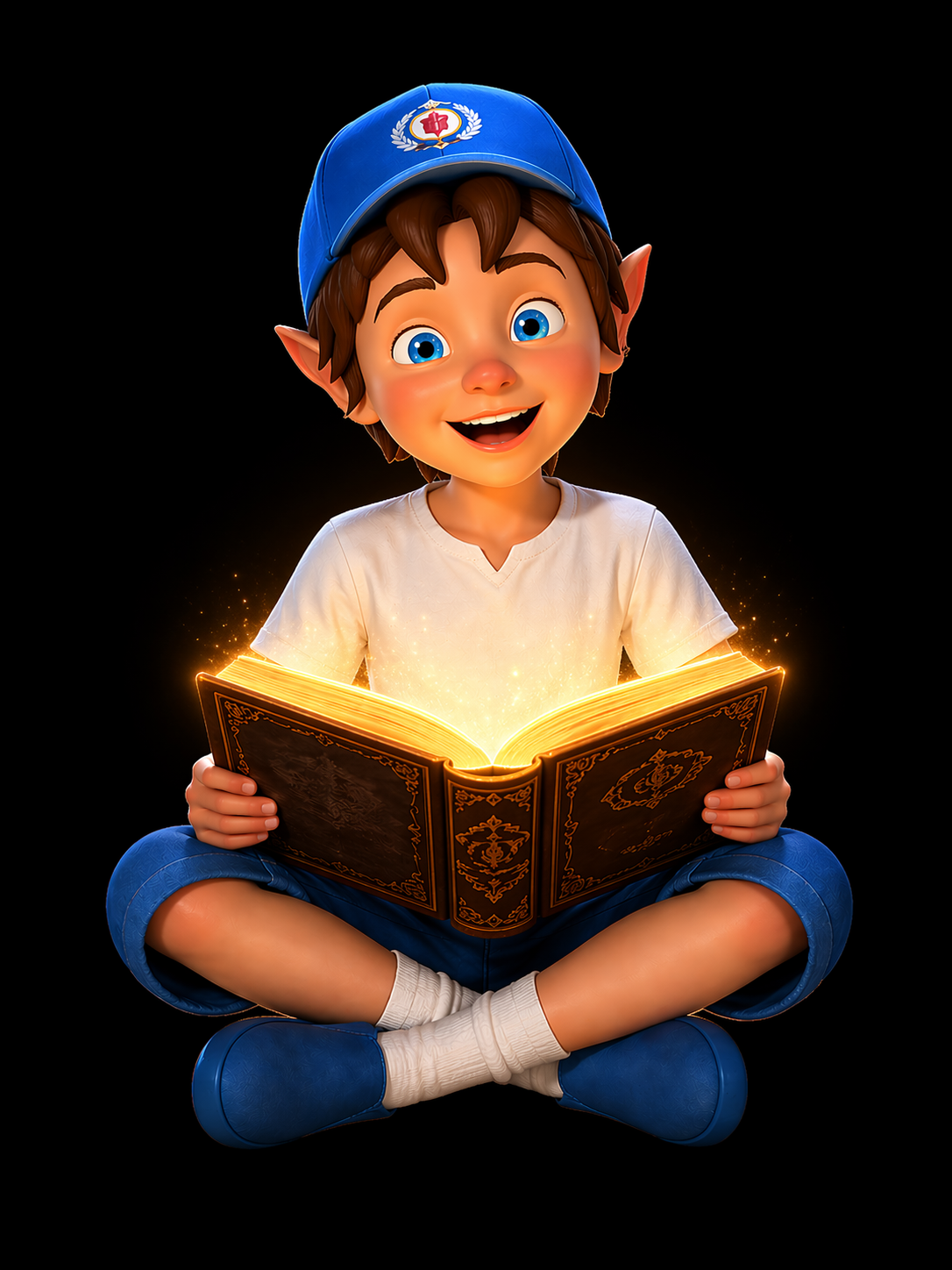
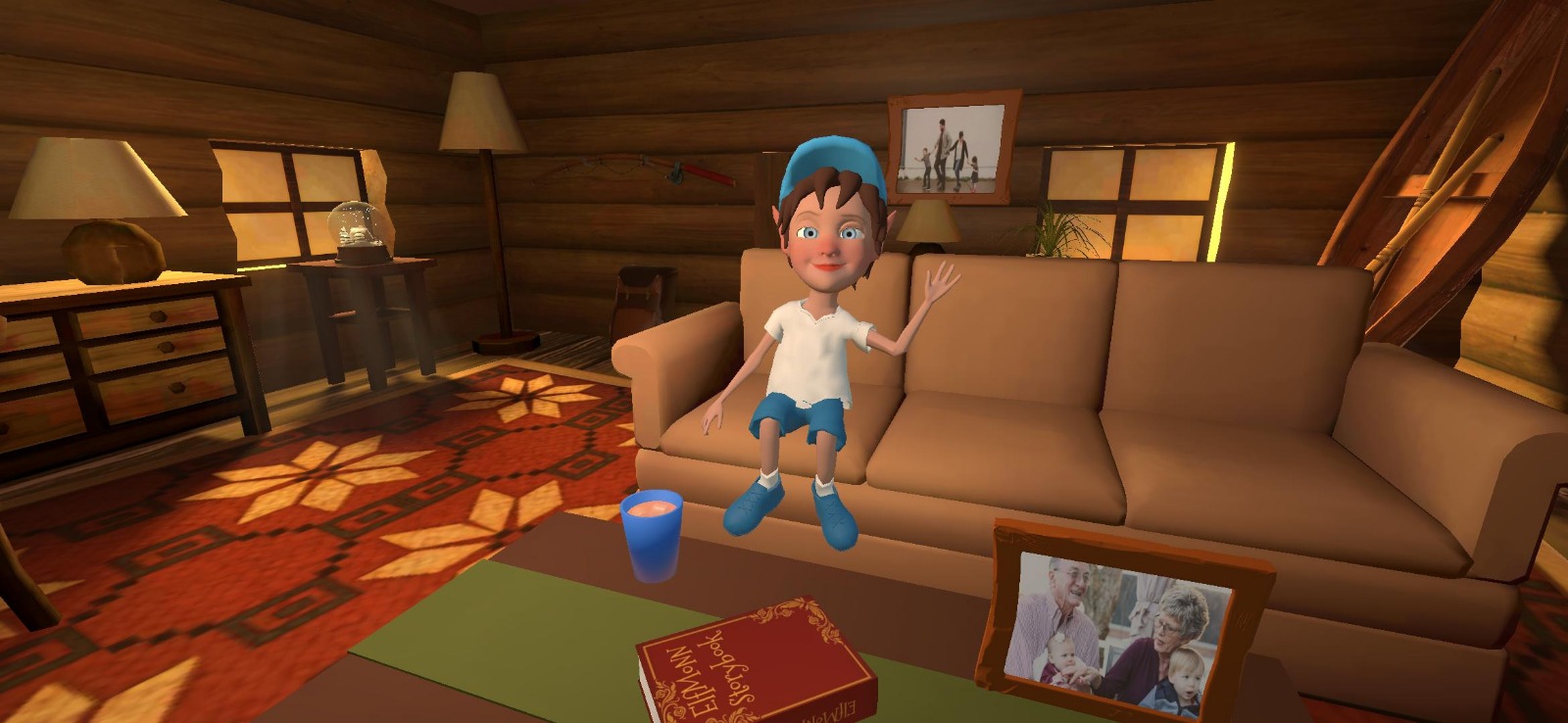
Chuck hops through the glowing portal by his fireside. In warm lamplight, tap your floor once and he steps out into your home, settling down to open his storybook.
03
Cozy up together on the big screen
Prop your phone on the coffee table and settle in. With hands free to cuddle up, your child looks at the TV and sees themselves right beside Chuck as the story unfolds.
The story library
Choose tonight’s shelf
Short Stories
Up to 15 minutes
Classic tales like Rapunzel, The Selfish Giant and The Six Swans — a full story, told by Chuck, that fits neatly before lights out.
Bedtime-sizedClassic talesAges 3–8
Hear Chuck read Beauty and the Beast0:00 / 1:35
Pick a shelf, tap Open Stories, and Chuck opens the book right where you left off.
Listen Only mode
No AR? No problem.
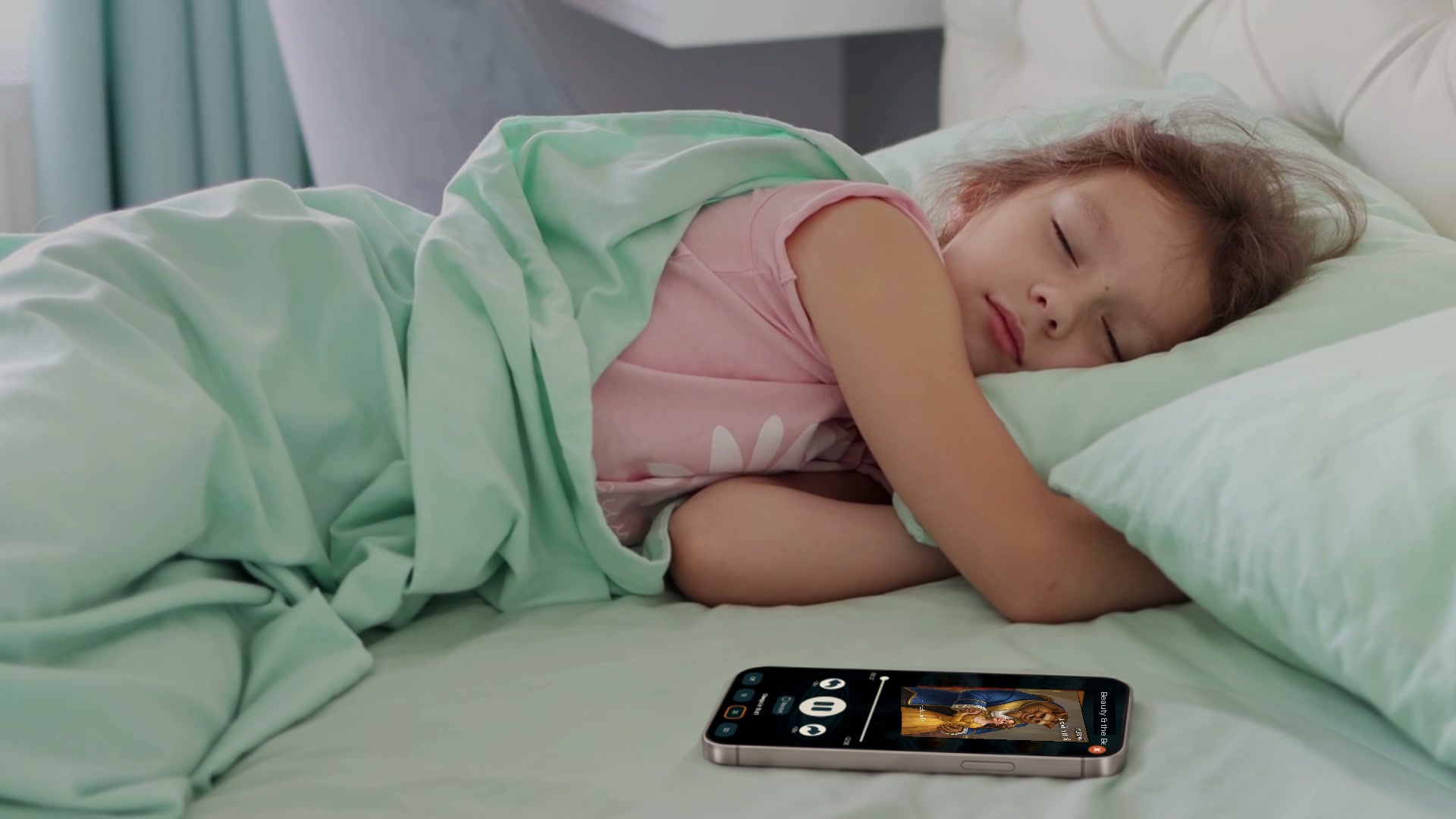
Sometimes there’s no room to play AR — the back seat of the car, a hotel room, or the quiet minutes before sleep. Listen Only keeps Chuck reading, with the screen tucked away and just his voice and the story.
In the car At bedtime Quiet time
Parent-set sleep timer
Choose how long storytime lasts. When the timer ends, Chuck finishes softly and the app closes itself — no negotiating at lights-out.
20min
Sleep timer · 10–30 minutes
Set by a parent in the app. Chuck says goodnight and the story drifts off to sleep.
Parent tools
You stay part of the story. Chuck does the talking.
Add your own words and Chuck delivers them on screen — while you finish work, make dinner, or just take five minutes.
Choose a tool to try ↓
Today’s News
Write your child a message — up to 1,000 characters — and Chuck reads it aloud, in his voice, on screen. Praise for a great day. Comfort after a hard one. Free with every download.
Chuck will read this on screen108 / 1000
Chuck says
“Hello Sophie! What a brilliant day you had yesterday! You tidied your room without even being asked. I am so proud of you. Take care, Sophie!”
Add photos to the cottage picture frames during setup. Photos are only used while you set up the feature — they are never stored or uploaded.
Task & Reward
Premium · Create 7 days of missions free
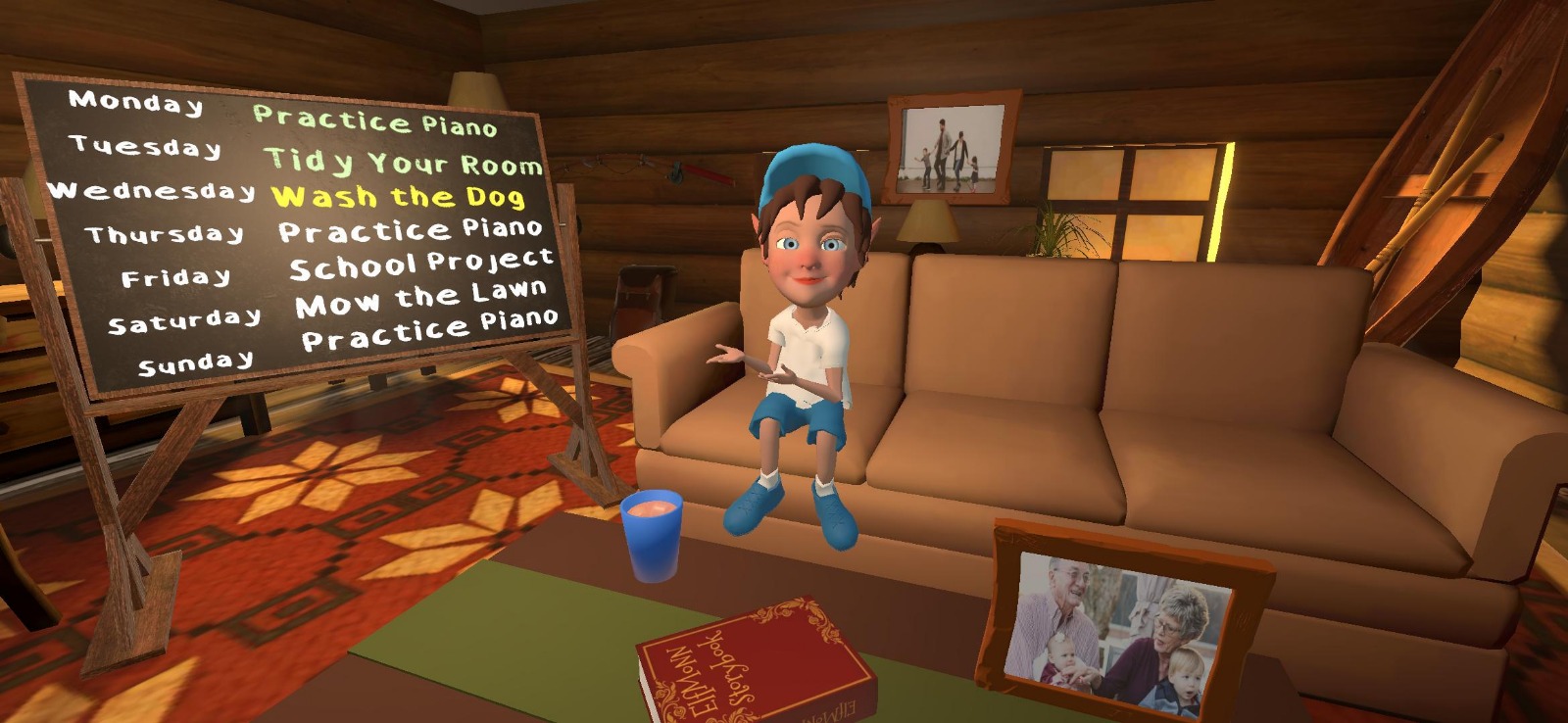
Set a task for each day of the week and Chuck announces it on screen — mirrored to the TV so your child sees it in the living room, then gets to choose a story or game as their reward.
Try it — set a daily task
Hear it on
Chuck says on Saturday
“Hi Sophie, it's Chuck! I trust your day went well. I'm here to make sure your chores are completed. What's on your board for today? Happy Saturday: show your best and Tidy your room! Make sure we start with the toys on the floor. Don't forget, it's super important to assist Mummy and Daddy by working on your daily tasks. They're really busy, and we want to be considerate by not disrupting them. Just remember, Mummy and Daddy only puts the most important tasks on your board. I keep track of every single thing in the Report book. Once your tasks are completed, make sure to inform Mummy and Daddy and me, so I can mark them as done for the day. Don't keep me waiting too long; I'll be here, and you can select either a story or a game for us to enjoy.”
Wording changes every day — Chuck mixes his lines so it never sounds the same twice.
Photos added to the picture frames are only used during setup — never stored or uploaded.
Made for families
Storytime, the way it should feel.
Live on the big screen
Screen-mirror to your family TV so your child and Chuck sit side by side in the living room. It turns solo screen time into a magical moment the whole family shares.
Right on your phone or tablet
Point the camera at the floor or bed and Chuck appears with his open book. Perfect for one-on-one reading in any room, visiting grandparents, or traveling.
Listen Only bedtime mode
Tuck the phone away and let Chuck's warm narration wind down the day. Features a parent-set 10 to 30 minute sleep timer for calm, negotiation-free lights-out.
Stories of every length
Choose quick bedtime classics like The Selfish Giant, or longer adventures like The Snow Queen that Chuck reads chapter by chapter, picking up right where you left off.
Your phone creates the magic. Your TV makes it bigger.
Download on iOS or Android, then mirror the live Chuck view with your compatible TV — or just use Listen Only.
“I love the Elf, but the AR Storytime is amazing. My daughter loves The Little Mermaid. I can't believe it was the full version narrated on my TV! Highly recommend.”
“My boys absolutely love it. They especially love Story Time and being able to sit with the lovely Elf. Tasks and rewards are such a great motivator.”
Gino J. · Google Play review
“My kid was quite surprised hearing the messages, wondering how the elf knows! The elf reads books to your kids right in your house, right in their room.”
Brinda R. · Google Play review
“I thought he might be a bit too young, but he is absolutely amazed by the storytelling. The AR is really engaging.”
Parent of a 3-year-old · Google Play review
Parent FAQ
Questions parents ask.
Is Elfmonn free?+
Yes. Around 10 stories are free as soon as you download, and Today's News is free too. A subscription unlocks the full story library and Task & Reward.
Are there ads?+
No. Elfmonn is ad-free, so your child can enjoy stories without interruptions.
Is there a free trial?+
Yes — the annual plan comes with a 7-day free trial, so you can explore everything before you pay. Prefer monthly? You can start right away and cancel anytime.
What is Today's News?+
A free feature where you type up to 1,000 characters of your own message, and Chuck reads it aloud to your child in his own voice.
Do I need a smart TV or headset?+
No headset is needed. Enjoy stories in AR on your phone or tablet, mirror them to a compatible TV if you like, or use Listen Only for screen-free bedtime.
How do I mirror to my TV?+
It’s simple — just tap Screen Mirror on your chosen story or one-on-one time with Chuck. Everything is guided right inside the app. Want to see it first? Open the step-by-step TV setup guide.
1. Android phone or tablet → Android TV
(Sony, Philips, TCL, etc.)
Tap Screen Mirror in Elfmonn — Google Home opens right away.
Tap your TV to connect.
Switch back to Elfmonn and tap Play!
2. iPhone or iPad → Apple TV, Samsung, LG, Sony, Roku or AirPlay TV
(Most TVs with Apple AirPlay built in)
Tap Screen Mirror in Elfmonn and follow the on-screen demo.
Open Control Centre, tap Screen Mirroring, and choose your TV.
Swipe up to close Control Centre, then tap Play in Elfmonn!
3. iPhone or iPad → Android TV, Fire TV, etc. where AirPlay isn’t built in
(Philips, TCL, Chromecast, Fire Stick, etc.)
If your TV doesn’t appear in the iPhone list, add AirPlay in 60 seconds:
On your TV remote, press Home → go to Apps (Google Play Store or Amazon Appstore).
Search for AirScreen (or AirMirror), tap Install, and open it on your TV (one-time setup).
In Elfmonn, tap Screen Mirror and follow the on-screen demo.
Open Control Centre, tap Screen Mirroring, and choose your TV.
Swipe up to close Control Centre, then tap Play in Elfmonn!
(AirScreen and AirMirror are independent TV apps and are free in most countries. In some regions, they may provide limited free use or offer an optional nominal fee for unlimited access.)
Just ensure your phone and TV are connected to your home Wi-Fi.
Who creates the Task & Reward messages?+
You do. Parents write their own tasks for each day, and Chuck delivers them to your child.
✦
Bring the magic home
Cozy up to Chuck tonight.
Download the app, pick a story, and watch your child settle in beside their very own storytelling elf — on the sofa, on the floor, or on the big screen.
Get the app — free to try
A compatible phone or tablet is required. TV mirroring is optional.